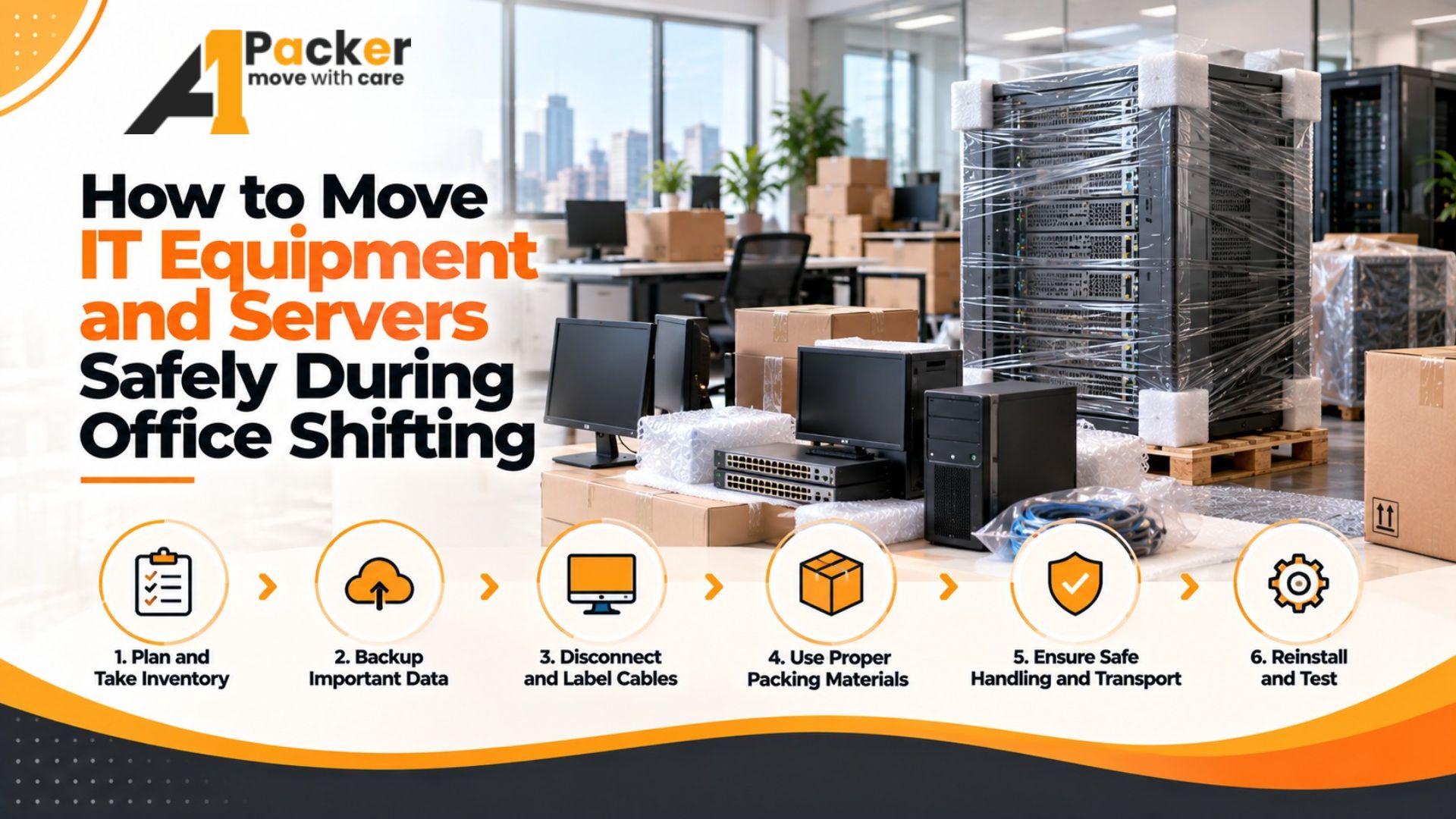
Why IT Equipment Demands a Different Approach
Office furniture can be moved with basic wrapping and a strong team. IT equipment is a different matter. Servers contain live data, network switches have delicate ports, and desktop workstations have components that can be damaged by static electricity, vibration, or even a slight tilt. A single mishandled server can cost far more in data recovery or hardware replacement than the entire office shift would have cost.
This guide is for office administrators and IT managers who need to move computing infrastructure safely and have it operational as quickly as possible at the new location.
Start with an IT Asset Inventory
Before you touch a single cable, create a complete inventory of every IT asset in the office. This should include:
- All desktop computers and monitors — by user name, asset tag, and serial number
- Laptops — by user name and serial number
- Servers — by function (file server, application server, domain controller) and hardware specifications
- Networking equipment — routers, switches, access points, patch panels
- Printers, scanners, and multifunction devices
- Uninterruptible power supplies (UPS)
- All peripheral devices — keyboards, mice, webcams, external drives
Photograph each item with its asset tag visible before disconnection. This documentation protects you if anything is lost or damaged.
Back Up Everything Before Disconnection
This step cannot be emphasised strongly enough. Before any server or computer is powered down, ensure that:
- All critical data is backed up to an off-site cloud service or a separate physical backup drive that travels separately from the equipment
- Server configurations, network settings, and system images are backed up
- All staff have saved their active work files to a shared drive or cloud storage
- Active databases have had a clean shutdown and final backup performed
The backup is not the mover's responsibility — it is the IT manager's. Do it before the moving company arrives.
Packing Desktop Computers
Desktop tower units are sensitive to static electricity and internal component damage from vibration.
- Use original packaging whenever available — original foam inserts are designed specifically for each unit
- If original packaging is unavailable, wrap the tower in anti-static bubble wrap (the pink variety, not standard clear bubble wrap) before placing in a padded box
- Do not lay towers on their sides unless the manufacturer specifies this is acceptable for the specific model
- Remove any optical drives that are loaded, and ensure disc drive bays are empty and closed
- Pack monitors in their original boxes if available. Without original packaging, wrap in moving blankets and secure with tape — do not use standard bubble wrap directly against LCD screens, as it can leave pressure marks
Packing Servers
Servers are the most critical and most delicate items in any office move. Treat them accordingly.
- Rack-mounted servers — remove individual server units from the rack before transport. Do not move a populated server rack as a single unit; the combined weight and vibration risk is too high. Label each unit with its rack position (e.g., "Rack A, Unit 3") so reassembly is straightforward.
- Tower servers — wrap in anti-static materials and pack in purpose-built server shipping crates if available, or at minimum in double-walled boxes with foam padding on all sides
- Hard drives — HDDs are vulnerable to vibration and impact. For critical servers, consider removing and hand-carrying hard drives separately, particularly for drives containing irreplaceable data
- UPS units — large UPS units are extremely heavy. Disconnect and transport them in their original crates or purpose-built wooden crating. Never tip a UPS during transport
Packing Networking Equipment
Network switches, routers, and patch panels look sturdy but have delicate ports and circuit boards.
- Photograph the cable layout on every switch and patch panel before disconnecting anything
- Label both ends of every network cable with a numbered tag before removal
- Pack networking equipment in anti-static bags inside padded boxes
- Keep small items — SFP modules, fibre transceivers, small switches — in labelled zip-lock bags inside the same box
Labelling for Fast Reassembly
The goal of IT packing is not just safe transport — it is fast reassembly. Good labelling makes the difference between a three-hour setup at the new office and a ten-hour one.
- Label every cable with destination port: "Connects to Switch 1, Port 12"
- Label every box with the destination zone in the new office
- Use colour-coded tape by function: red for servers, blue for networking, green for workstations
- Keep one master cable layout diagram that shows the entire network topology, laminated and travelling with you — not in a box on the truck
Transport Precautions
Communicate specific handling requirements to your moving company before the shift:
- IT equipment boxes must be loaded last and unloaded first — they should not be buried under heavy furniture boxes
- No stacking of heavy items on top of IT boxes
- Servers and sensitive equipment should travel in a climate-controlled vehicle if the route involves extreme temperatures
- If the new office is not ready for IT setup on arrival, arrange secure temporary storage — not a shared storage room where equipment can be accessed or accidentally damaged
Reassembly and Testing
At the new office, power up servers first, allow them to complete boot sequences, and test connectivity before reconnecting individual workstations. Follow your cable layout diagram precisely. Test each workstation before moving to the next — catching a configuration issue early is far easier than troubleshooting the entire office after everything is connected.
Keep your backup drives accessible throughout this process. If any configuration is lost in transit, you want to restore from backup immediately, not discover three days later that a critical setting is missing.