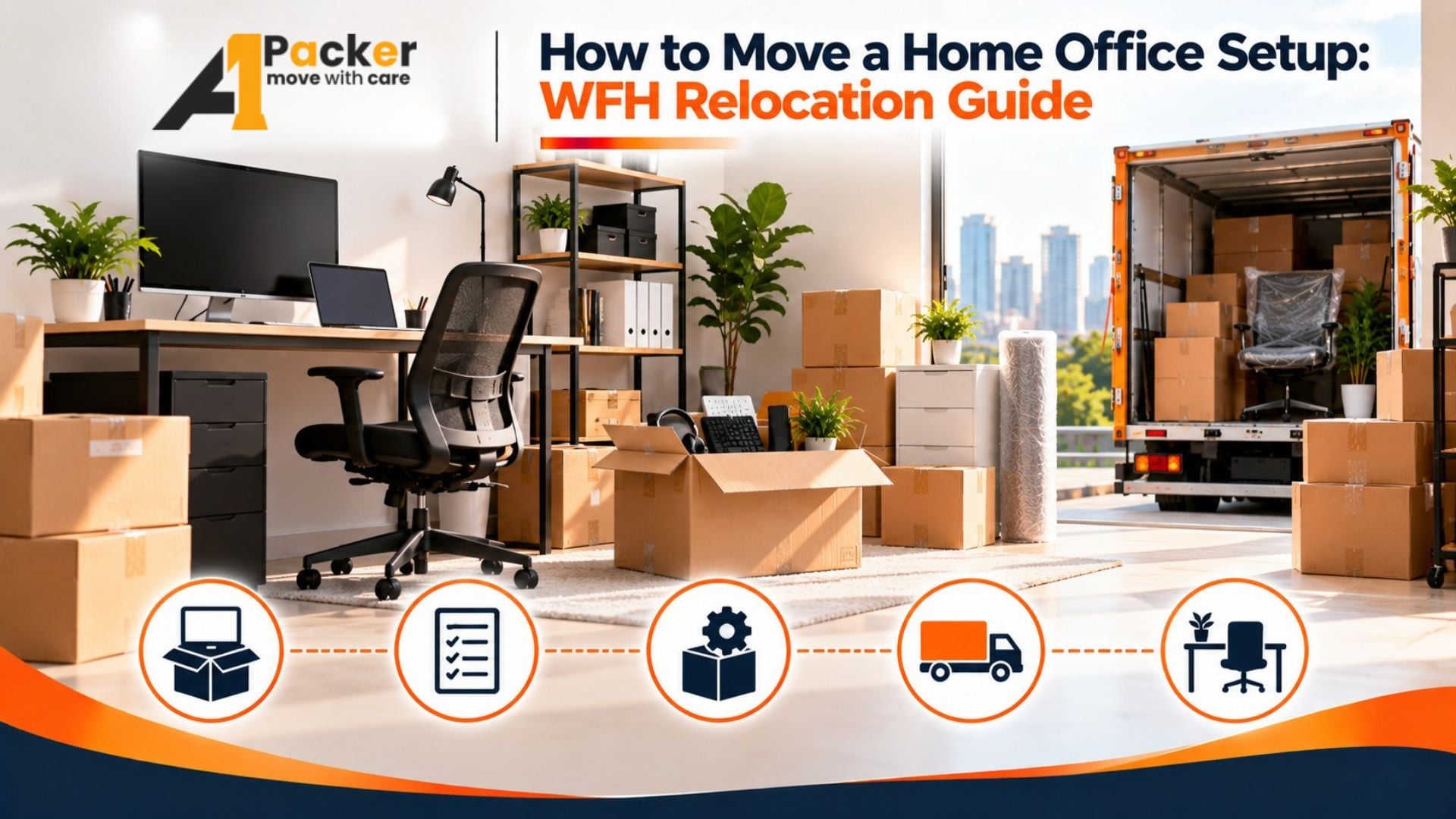
Moving Your Home Office Setup: A WFH Relocation Guide
Working from home means your office space is valuable — and moving it safely takes more planning than packing regular household items. Computers, monitors, external drives, cables, and ergonomic furniture all need specific handling. This guide walks you through every step so your home office is up and running on day one in your new home.
Start with a Full Inventory
Before you pack a single item, list everything in your home office. This includes hardware like computers, monitors, printers, and external drives, as well as accessories like keyboards, mice, webcams, headsets, docking stations, and all associated cables.
- Desktop tower and all peripherals
- Laptop with charger and cases
- Monitors (note screen sizes for wrapping)
- External hard drives and USB hubs
- Printer, scanner, shredder
- Router, modem, network switch
- Power strips, UPS batteries
- Ergonomic chair and adjustable desk
Back Up Your Data Before Moving Day
Before moving any hardware, back up your data. Use an external hard drive, cloud storage, or both. Even if your equipment arrives safely, accidents happen — and a backup ensures your work files are never at risk.
How to Pack Computer Hardware
Computers and monitors are the most fragile items in a home office. Use original manufacturer boxes whenever available — they are designed for those exact dimensions. If original packaging is not available, use anti-static bubble wrap, foam inserts, and sturdy double-walled boxes.
Desktop Computers
- Remove graphics cards and tape them separately if the PC will be in a vehicle for long distances
- Wrap the tower in anti-static bubble wrap before placing in a box
- Label all cables before unplugging using colored tape or sticker labels
Monitors
- Place screen protectors or soft cloth over the display
- Wrap in foam wrap and bubble wrap
- Always transport vertically — never lay flat
- Pack tightly so the monitor does not shift inside the box
Cable Management During a Move
One of the most time-consuming parts of home office moving is untangling and reconnecting cables in the new location. A little preparation saves hours of frustration.
- Photograph your cable connections before unplugging anything
- Use zip ties or velcro straps to bundle cables by device
- Label both ends of every cable
- Pack all cables for one device together in a single zip-lock bag labeled with the device name
Moving Office Furniture
Standing desks and ergonomic chairs are often bulky and expensive. Disassemble any desk that allows it and wrap table tops in moving blankets. For chairs, remove the base or armrests if possible and bag all hardware like bolts and screws in a labeled bag taped to the chair itself.
Files, Documents, and Physical Records
Any physical business records, contracts, invoices, or files should be kept in a secure locked box that travels with you rather than in the moving truck. Sensitive documents must not be left loose in boxes where they could be lost or damaged.
Set Up Internet First at the New Location
Before moving day, arrange internet installation or transfer at your new address. Being disconnected even one day can mean missed meetings, delayed deadlines, and lost work. Coordinate your ISP transfer 10–14 days in advance.
Why Hire Professional Packers for a WFH Move
Aone Packers and Movers provides specialized packing services for home offices, using anti-static materials, custom crating for large monitors, and careful handling protocols for sensitive electronic equipment. We handle the packing so you can focus on keeping your work uninterrupted.
Contact us today for a home office relocation estimate and a smooth, downtime-free move.